
Discover ColdIQ's Free Tools.
Discover ColdIQ's free mini tools, built to simplify prospecting, automate outreach, and provide accurate data, helping sales teams boost productivity and scale smarter.
Every tool here is also an API
Run them at scale from Claude Code - one API key, billed by credits, on the ColdIQ Marketplace.
Discover all of our Go To Market tools
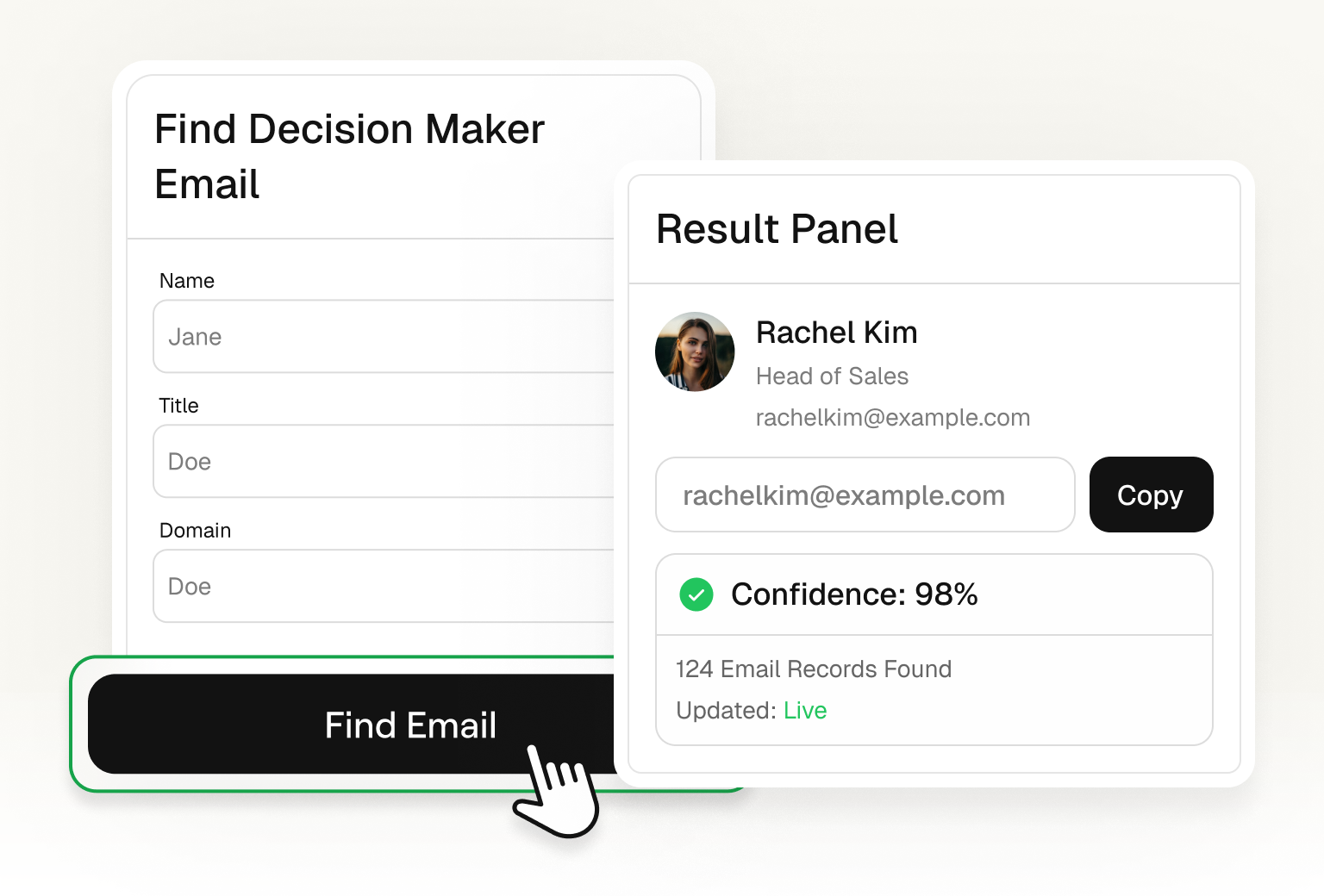
Email Finder
Find verified email addresses for your outreach campaigns.
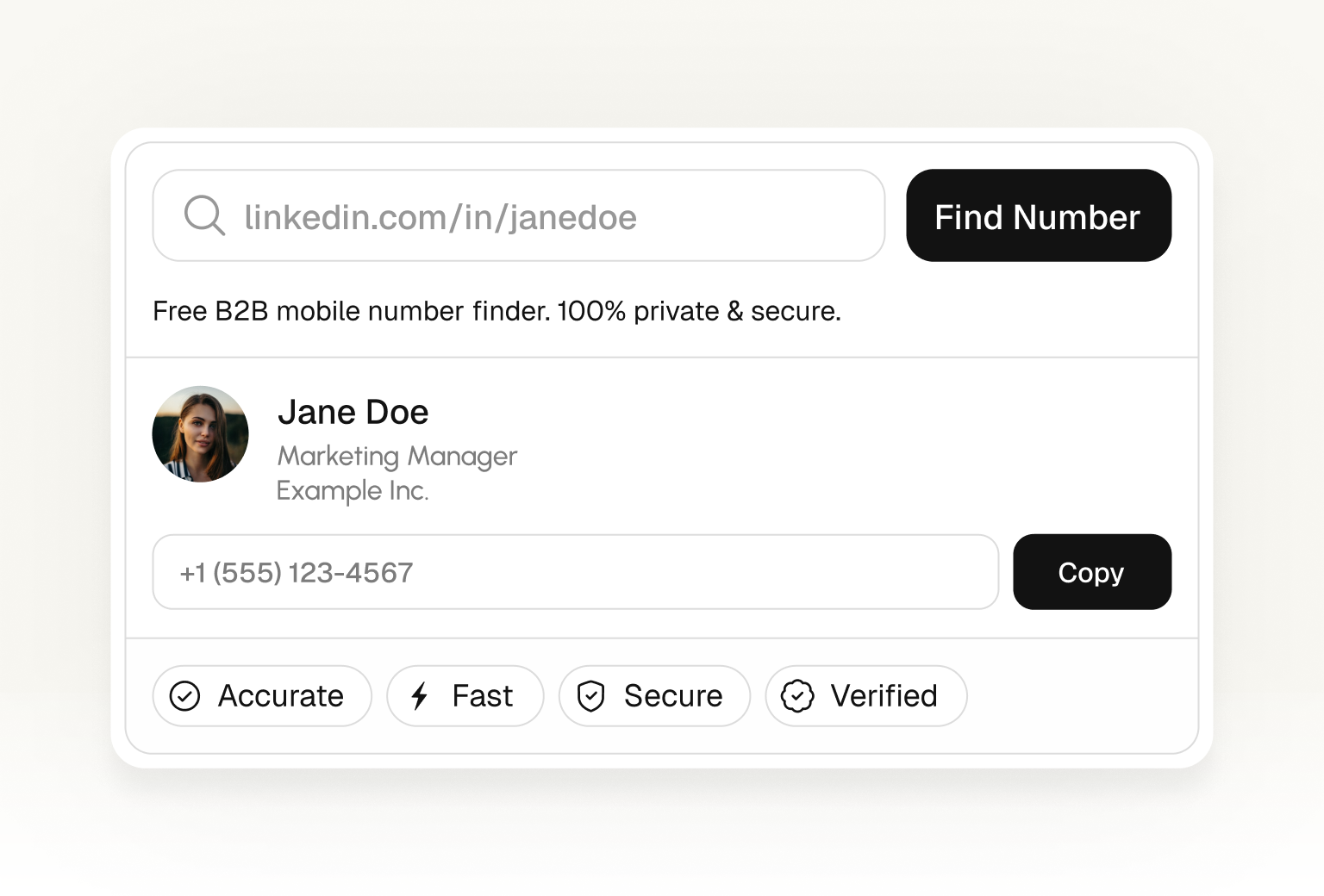
Phone Finder
Quickly find verified phone numbers for targeted outreach.
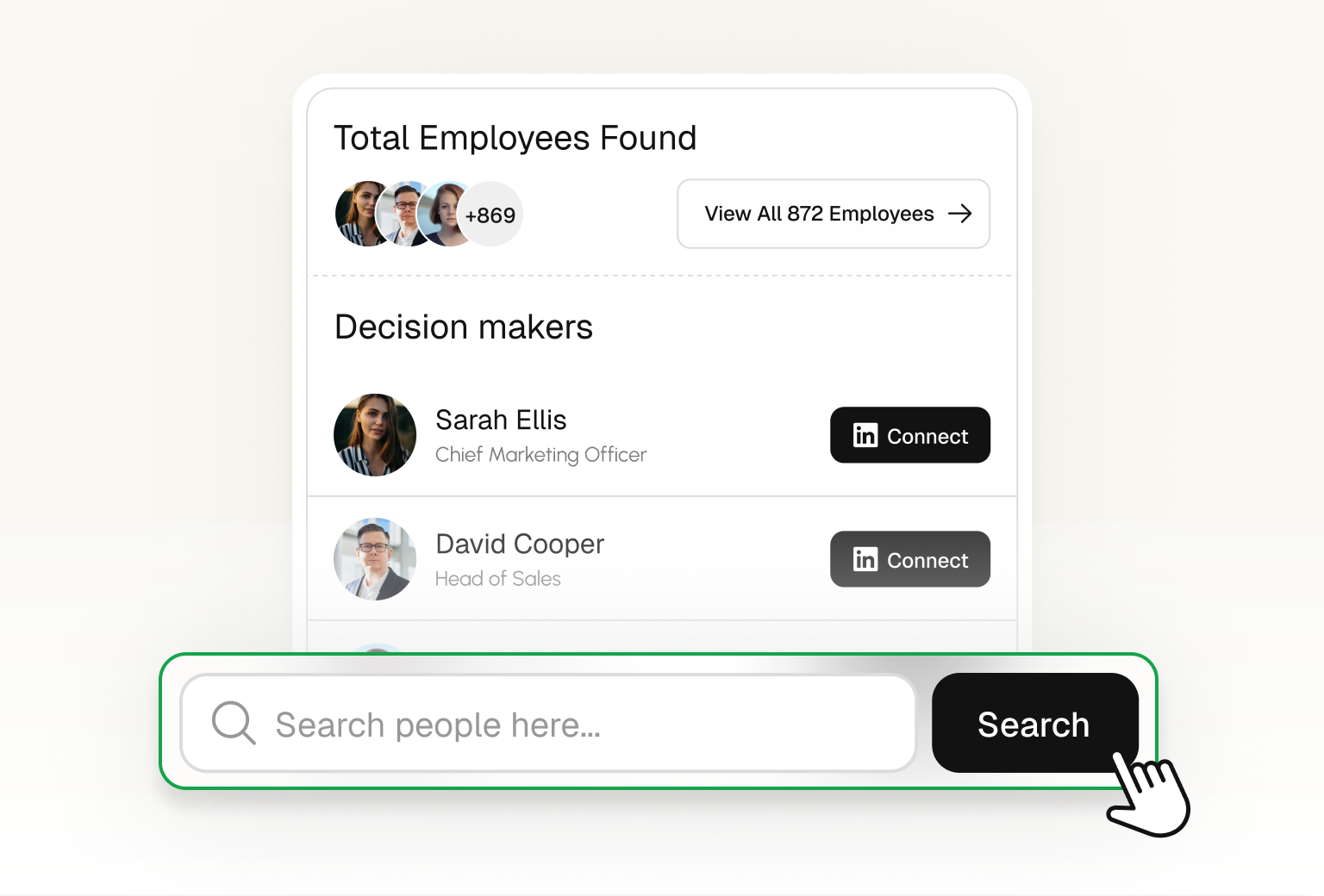
Find People
Find employees of a company using LinkedIn data.
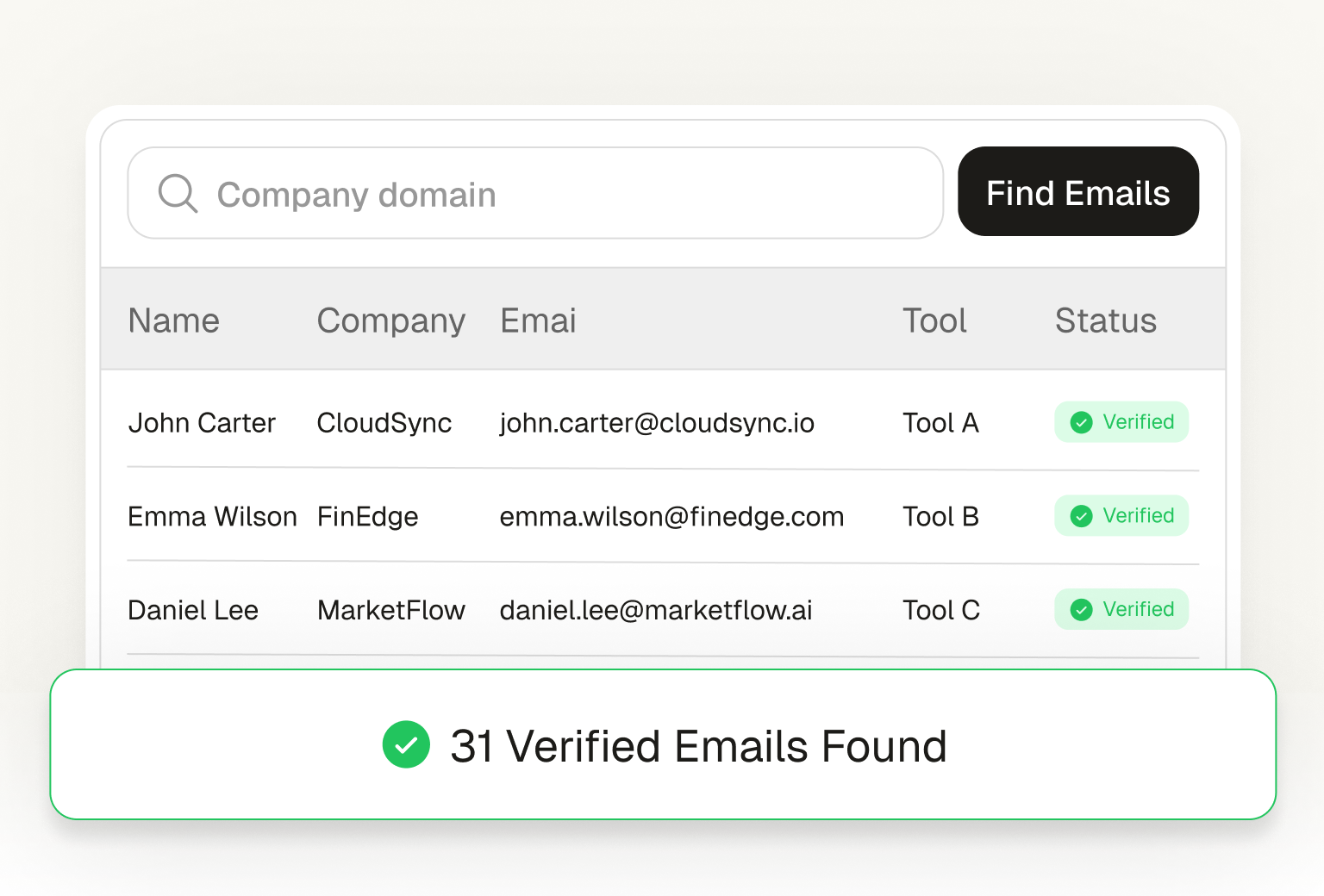
Bulk Email Finder
Find verified emails in bulk. Upload a list and get results in minutes.
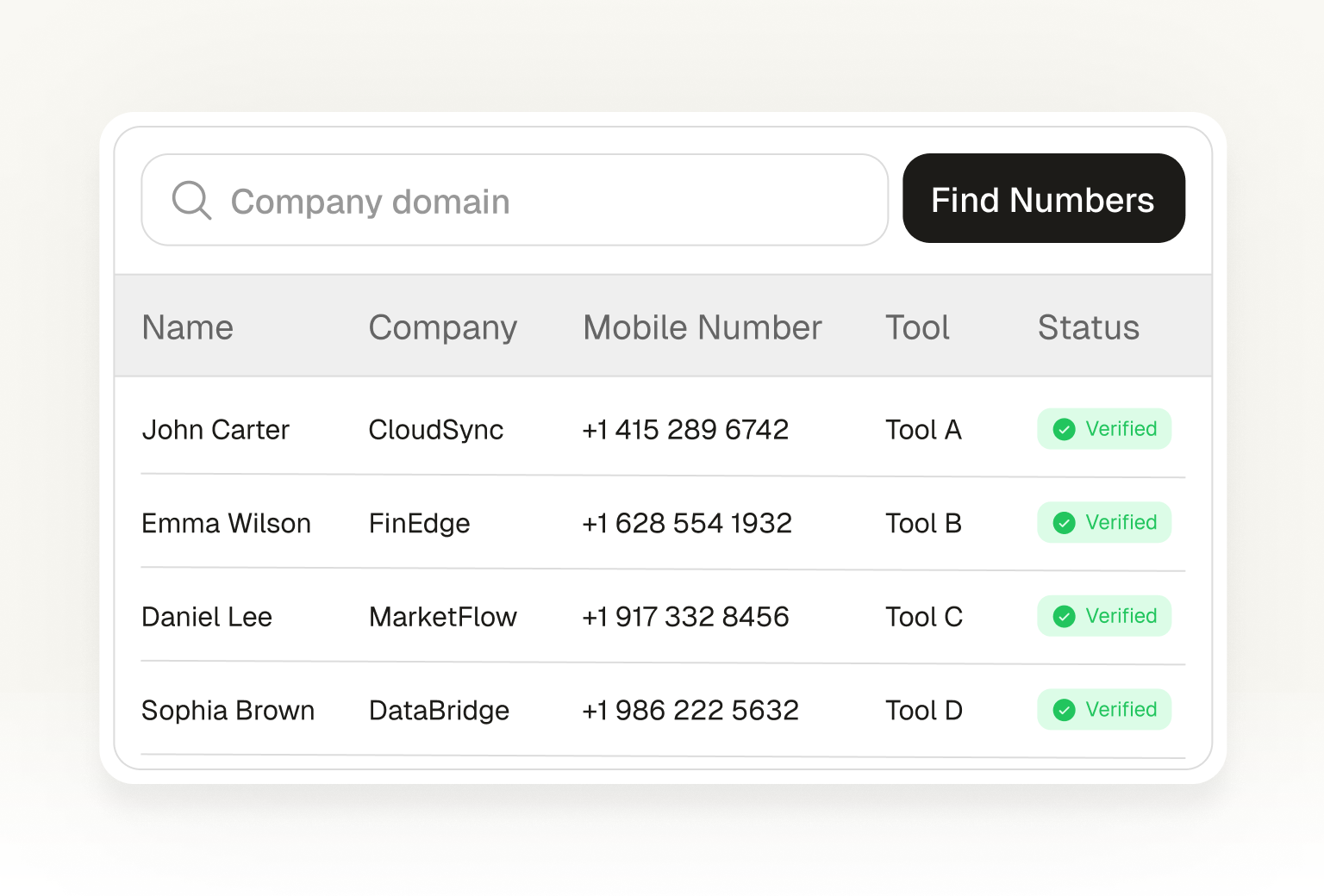
Bulk Mobile Finder
Find verified phone numbers in bulk. Upload a list and get results fast.
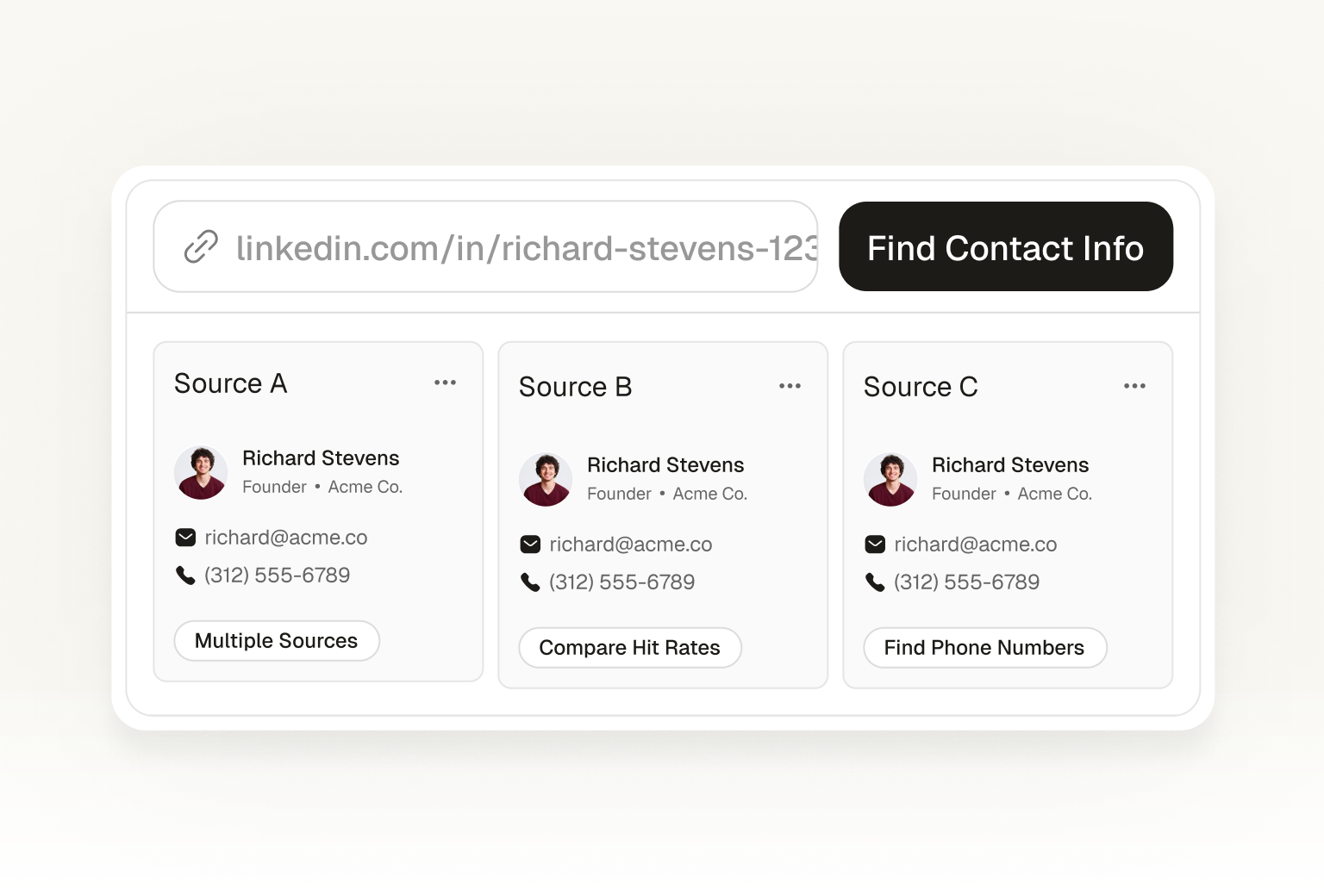
Enrich Contact
Enrich any contact with verified emails, phone numbers, and company data.
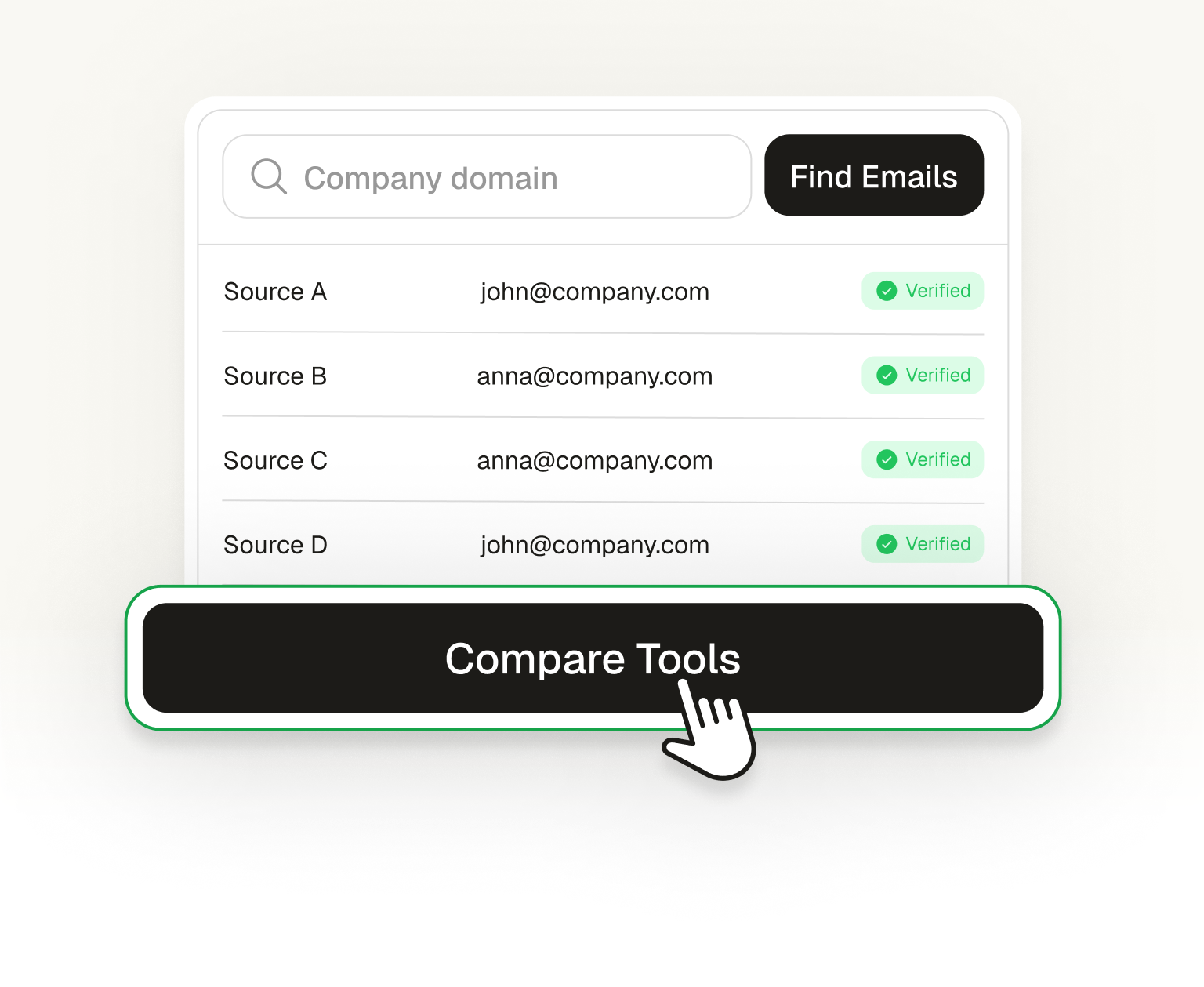
Enrich Email
Turn any email address into a full contact profile with company data.
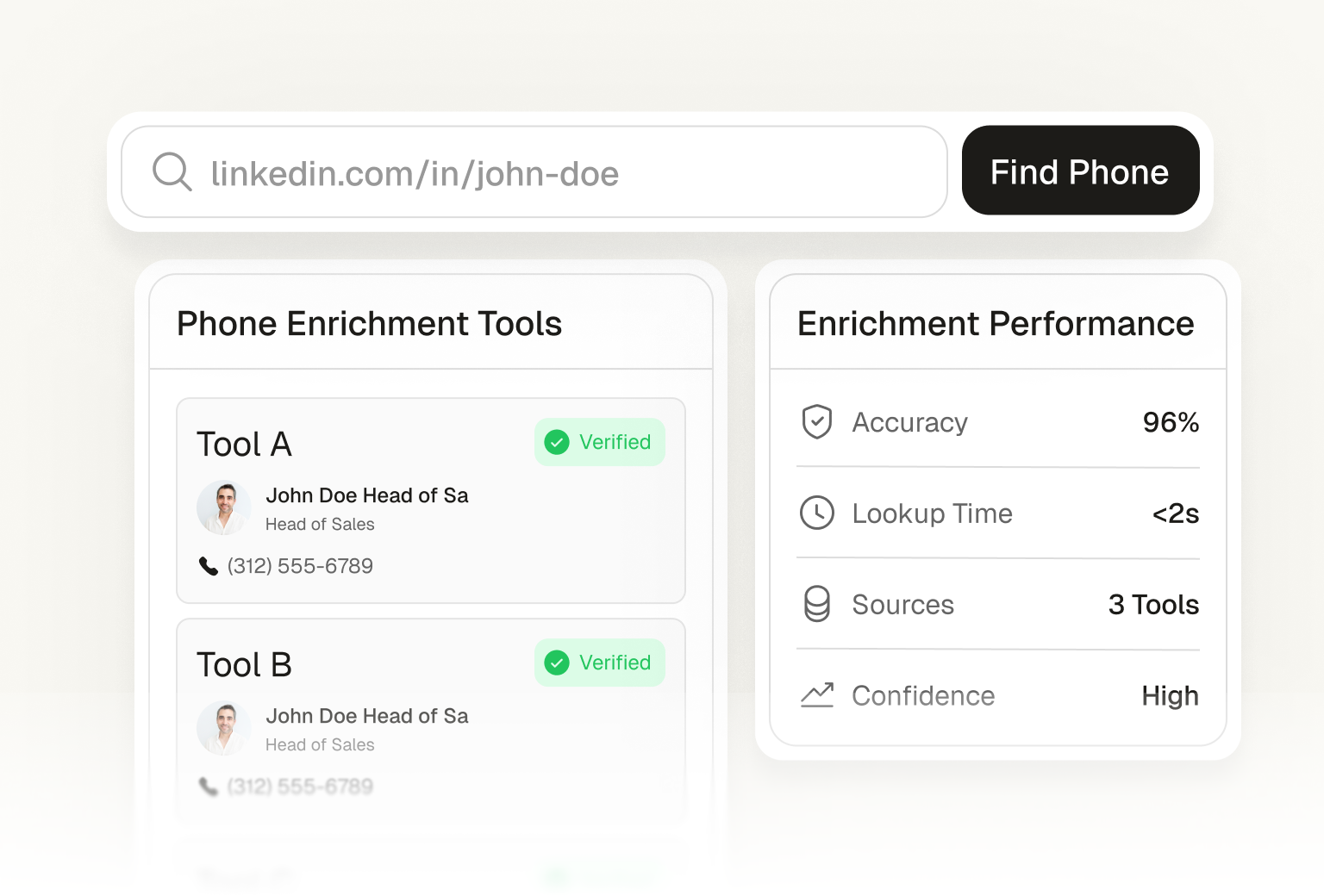
Enrich Phone
Find the person behind any phone number with full contact and company details.
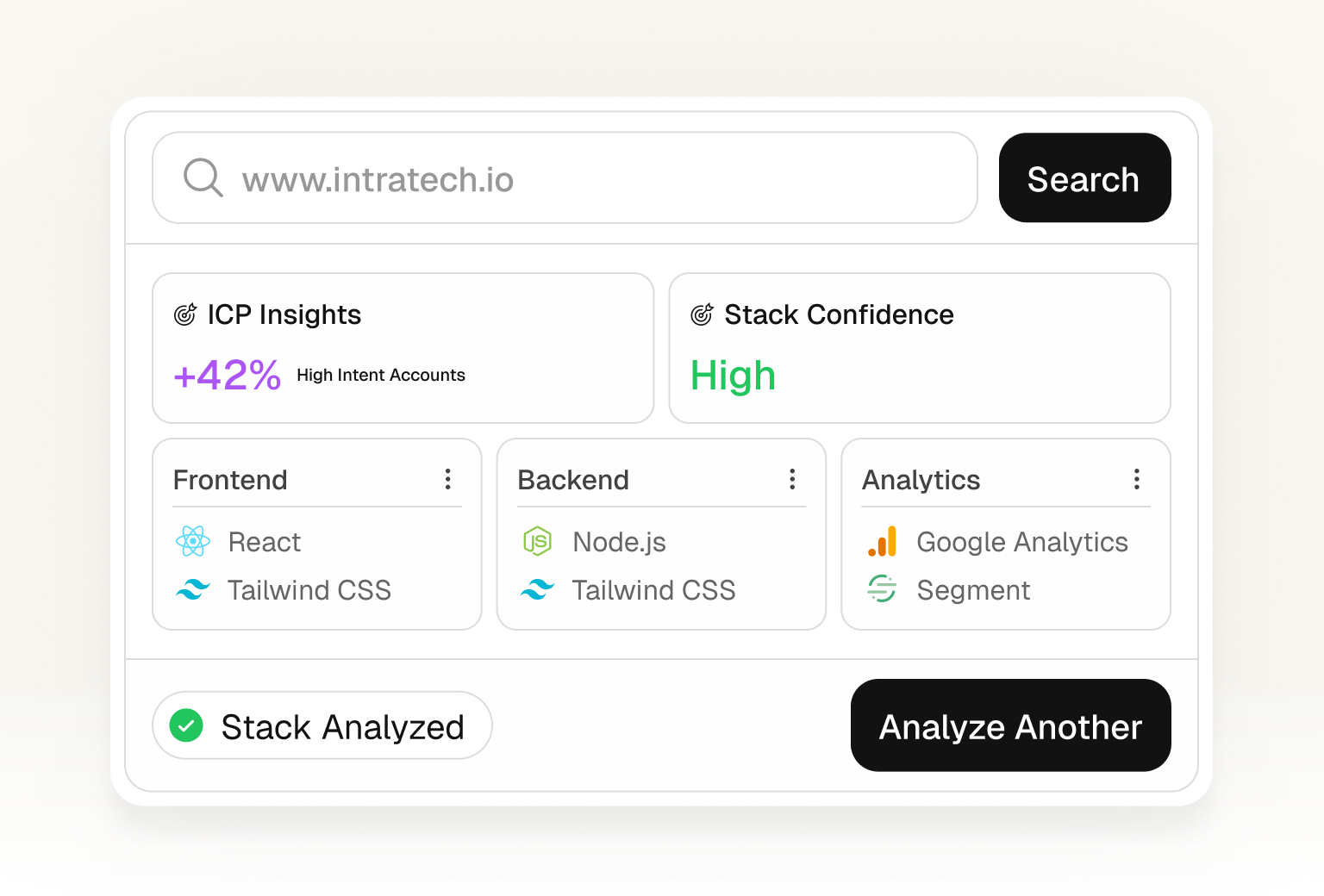
Tech Stack Finder
Identify technologies and tech stack used by any company.
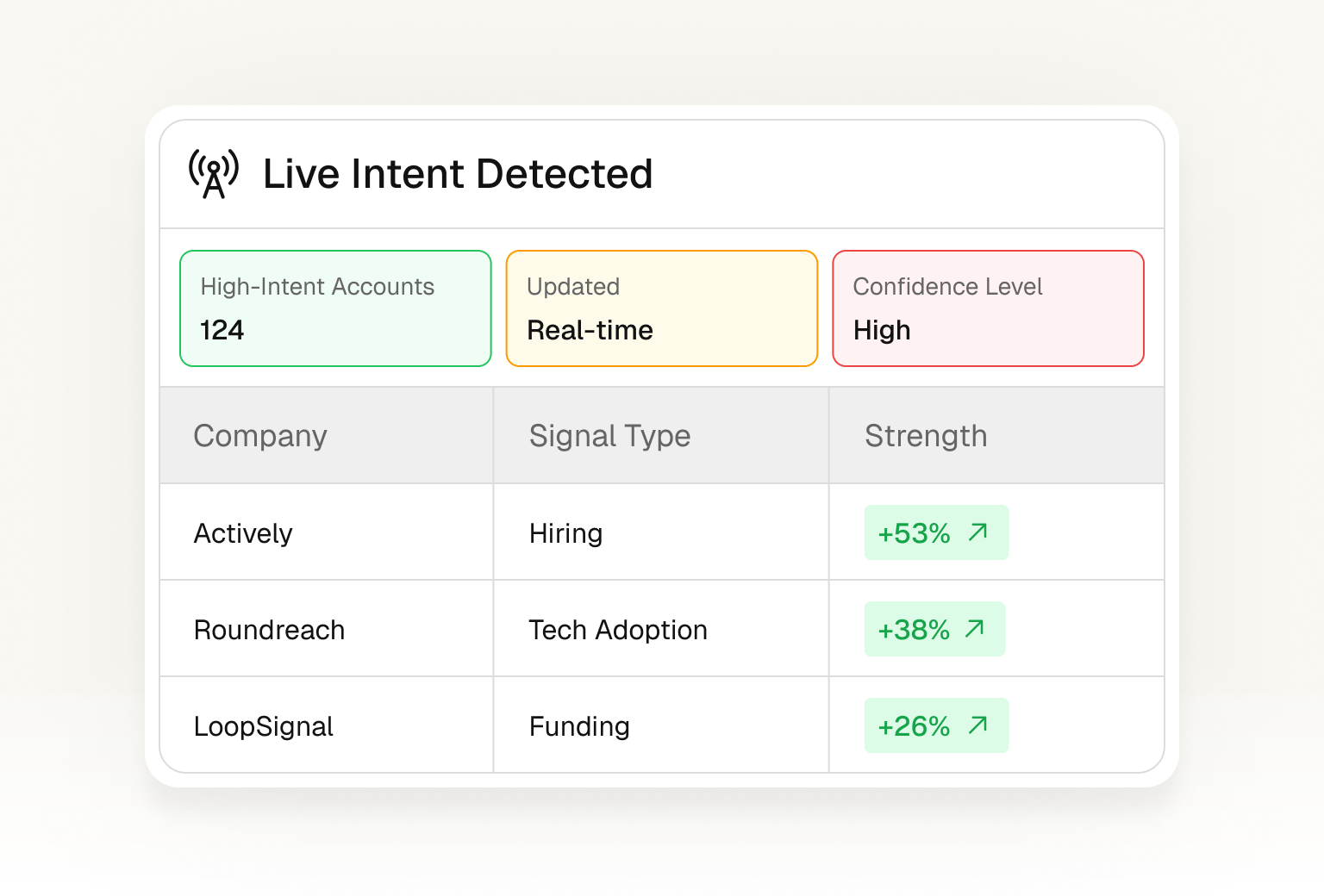
Intent Signals
Detect companies showing buying intent signals.
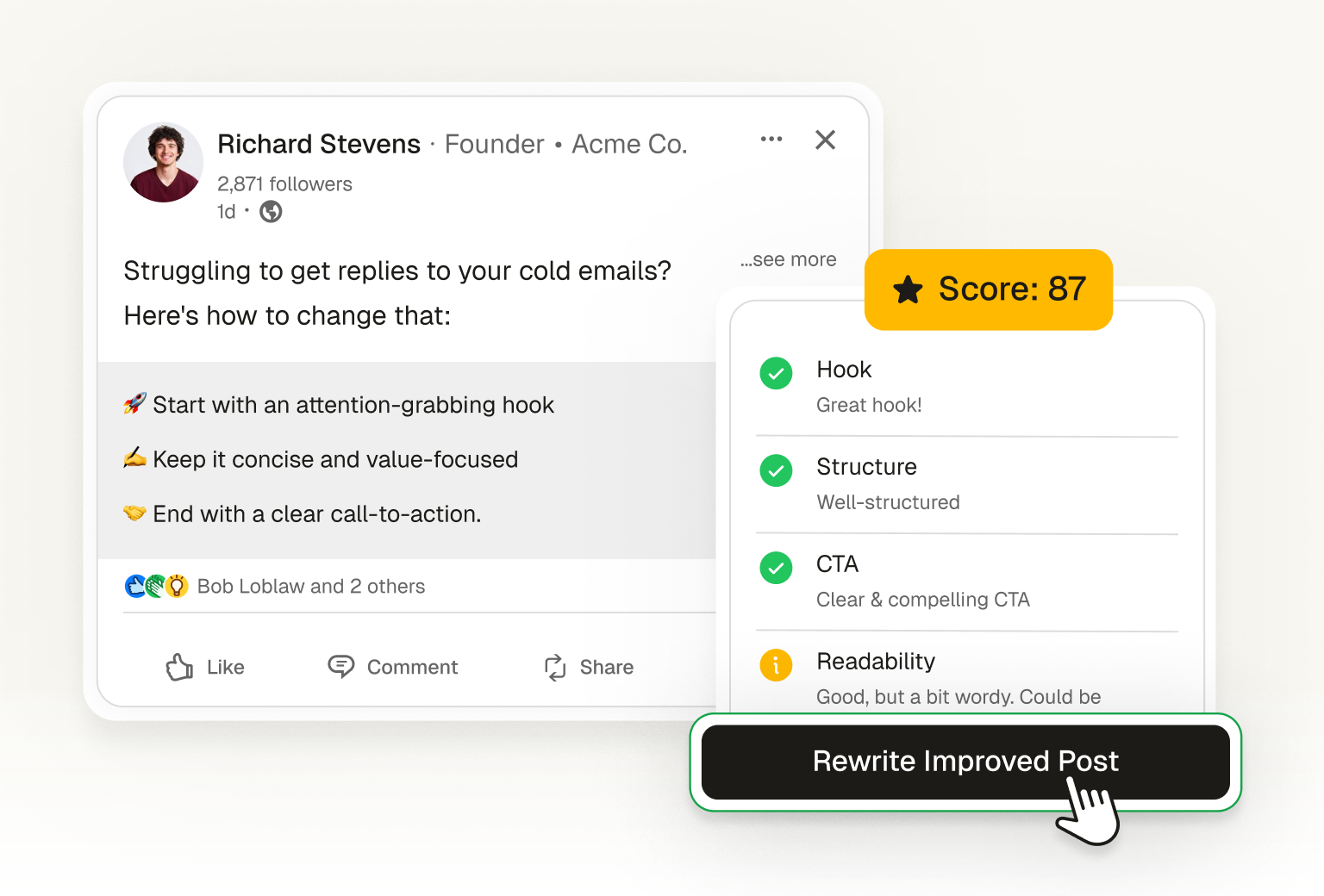
LinkedIn Post Inspector
Get an AI-powered review of your LinkedIn post with actionable feedback.
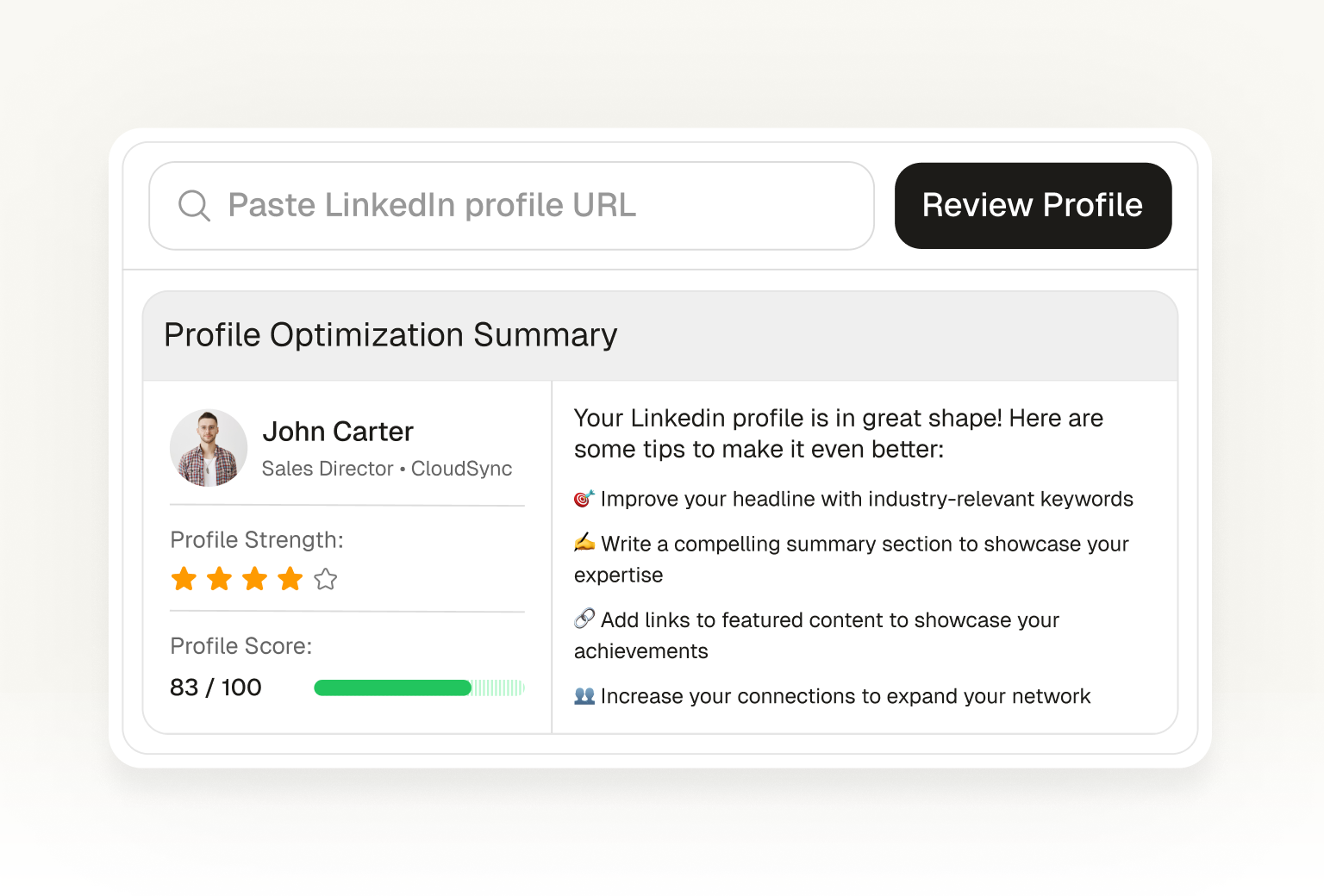
LinkedIn Profile Reviewer
Get a detailed AI review of your LinkedIn profile with tips to improve.

Viral Post Generator
Generate viral LinkedIn posts with AI. Get 3 ready-to-publish variations.
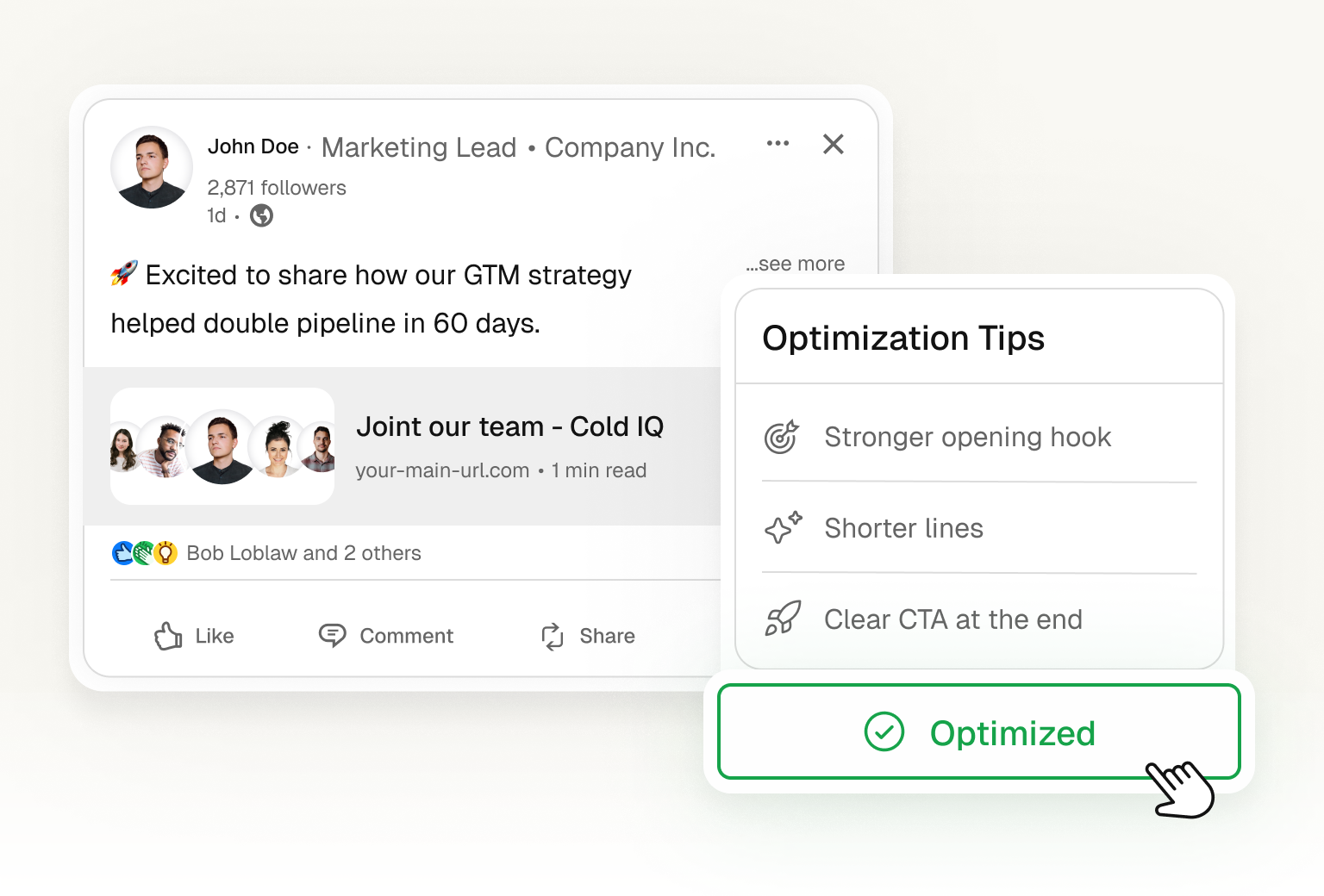
LinkedIn Post Previewer
Preview your LinkedIn posts before publishing. See how they look on mobile and desktop.
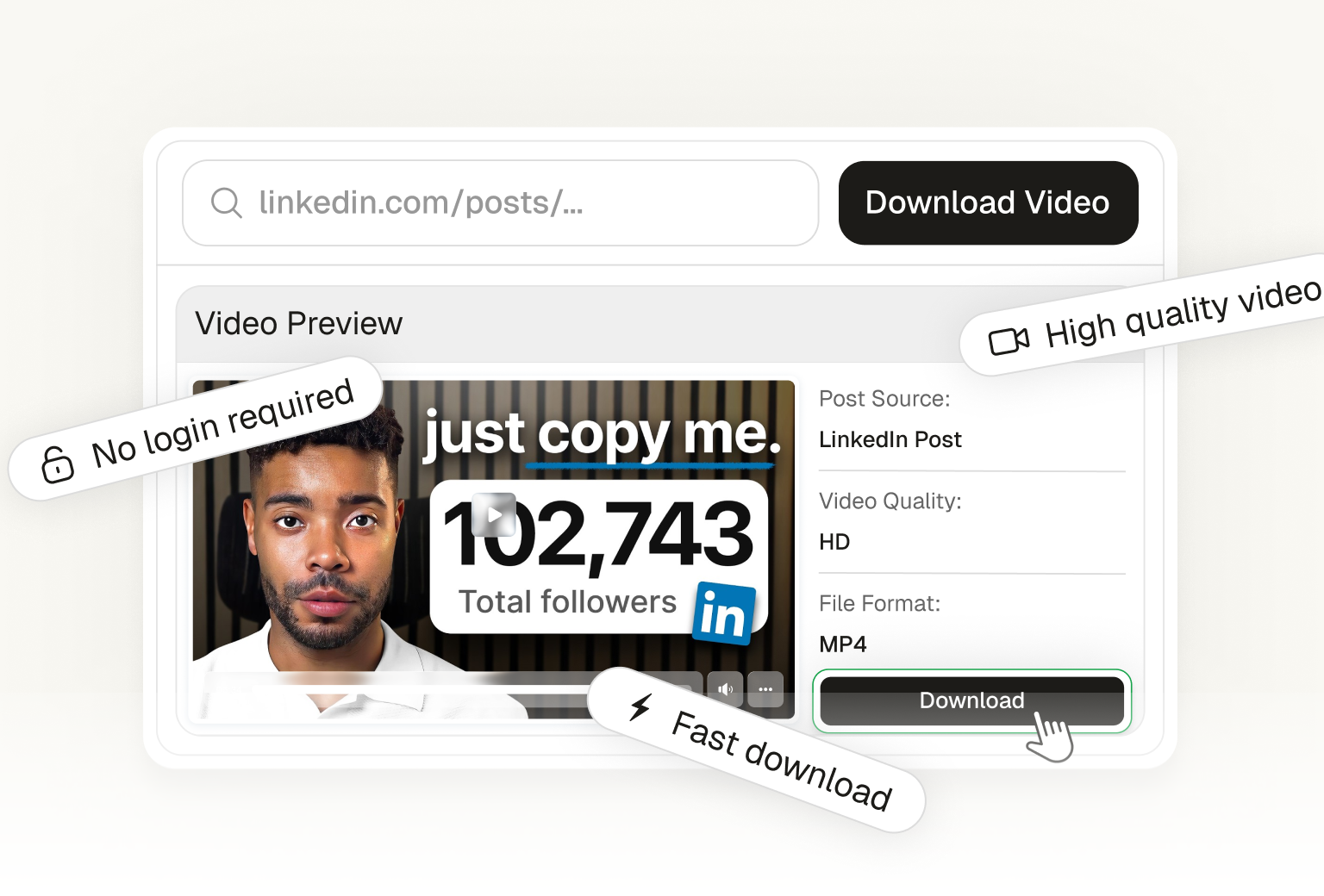
LinkedIn Video Downloader
Download any LinkedIn video for free. Paste a post URL and save the video to your device.
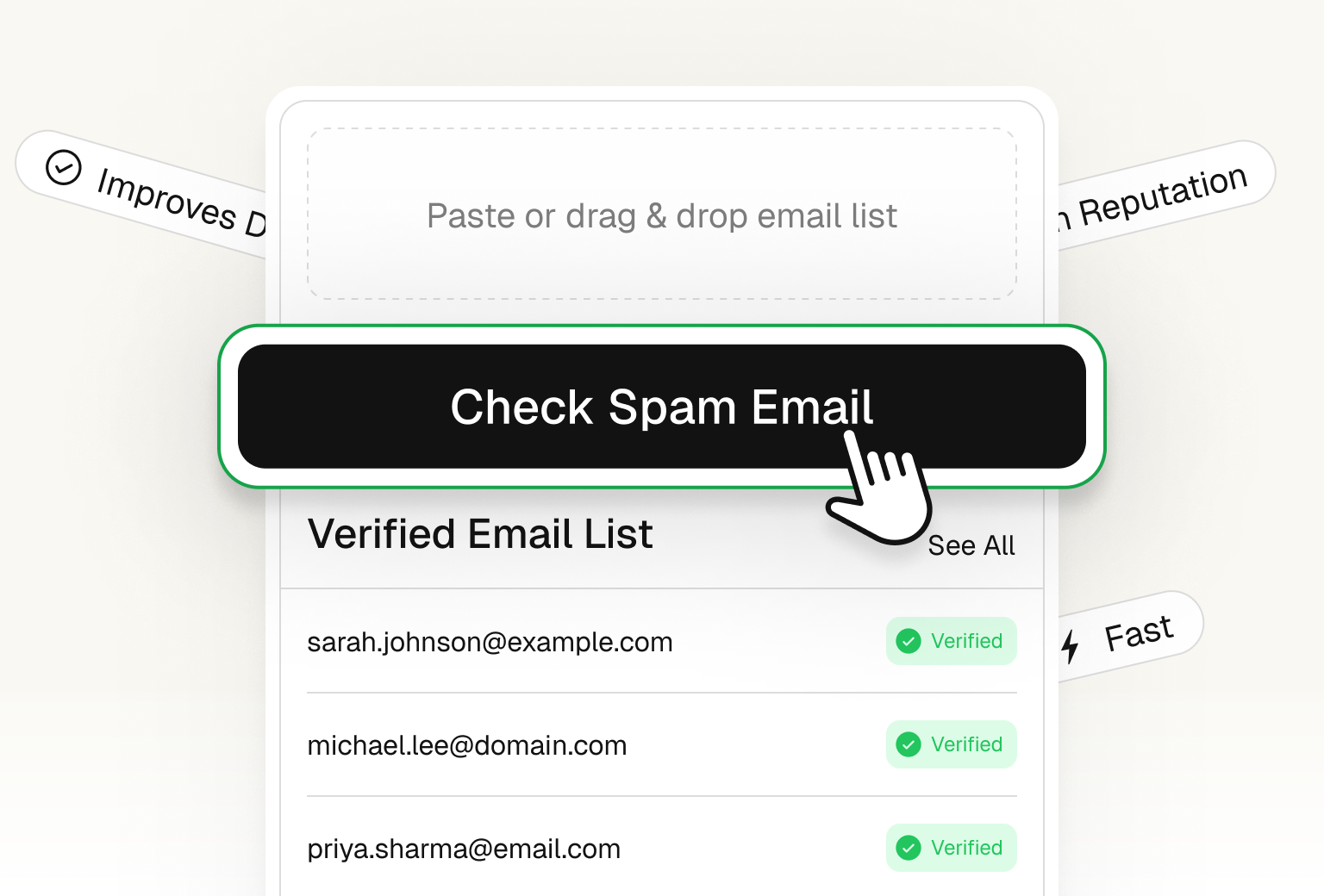
Spam Checker
Check if your emails will land in spam folders.
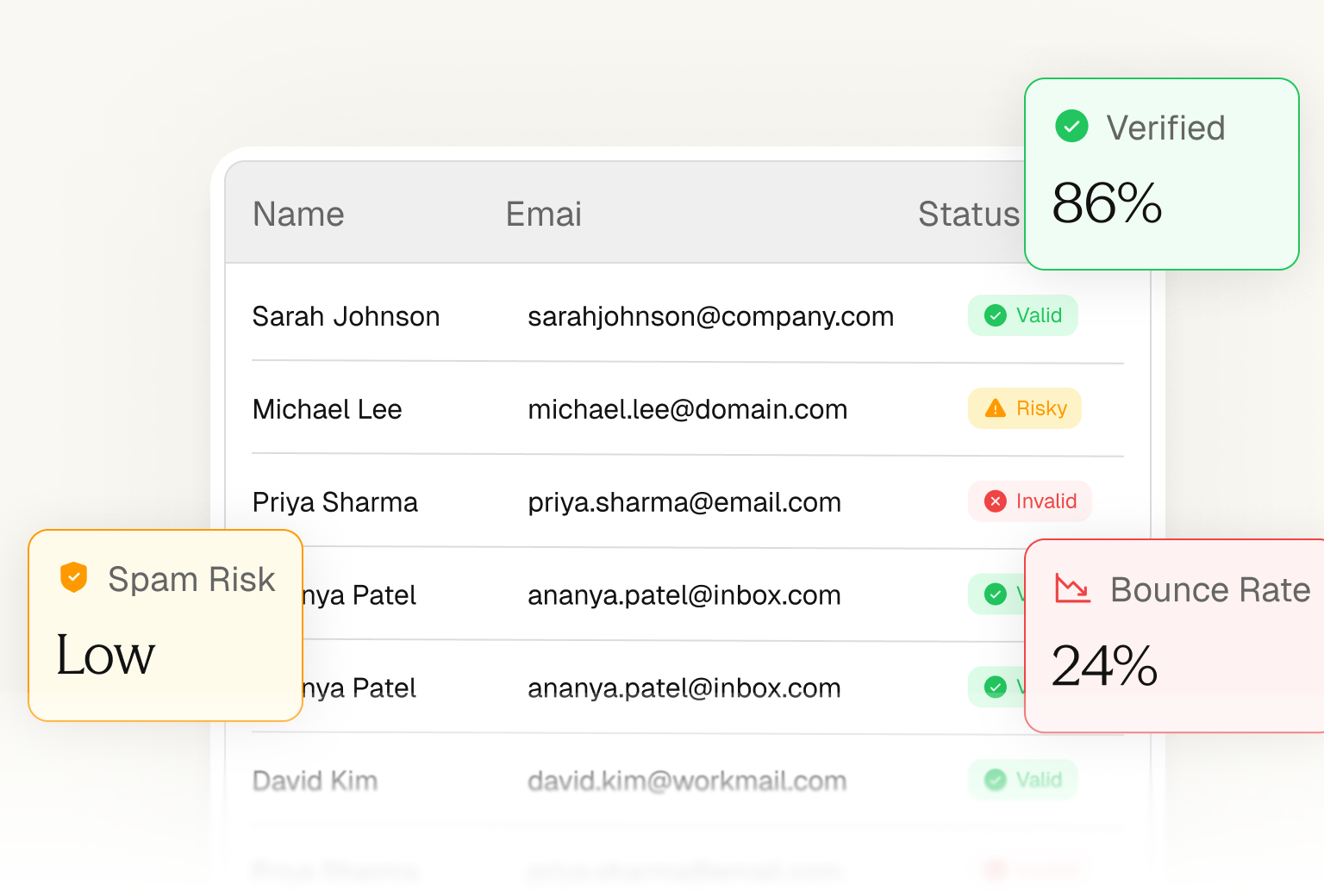
Email Verifier
Verify email addresses and reduce bounces instantly.
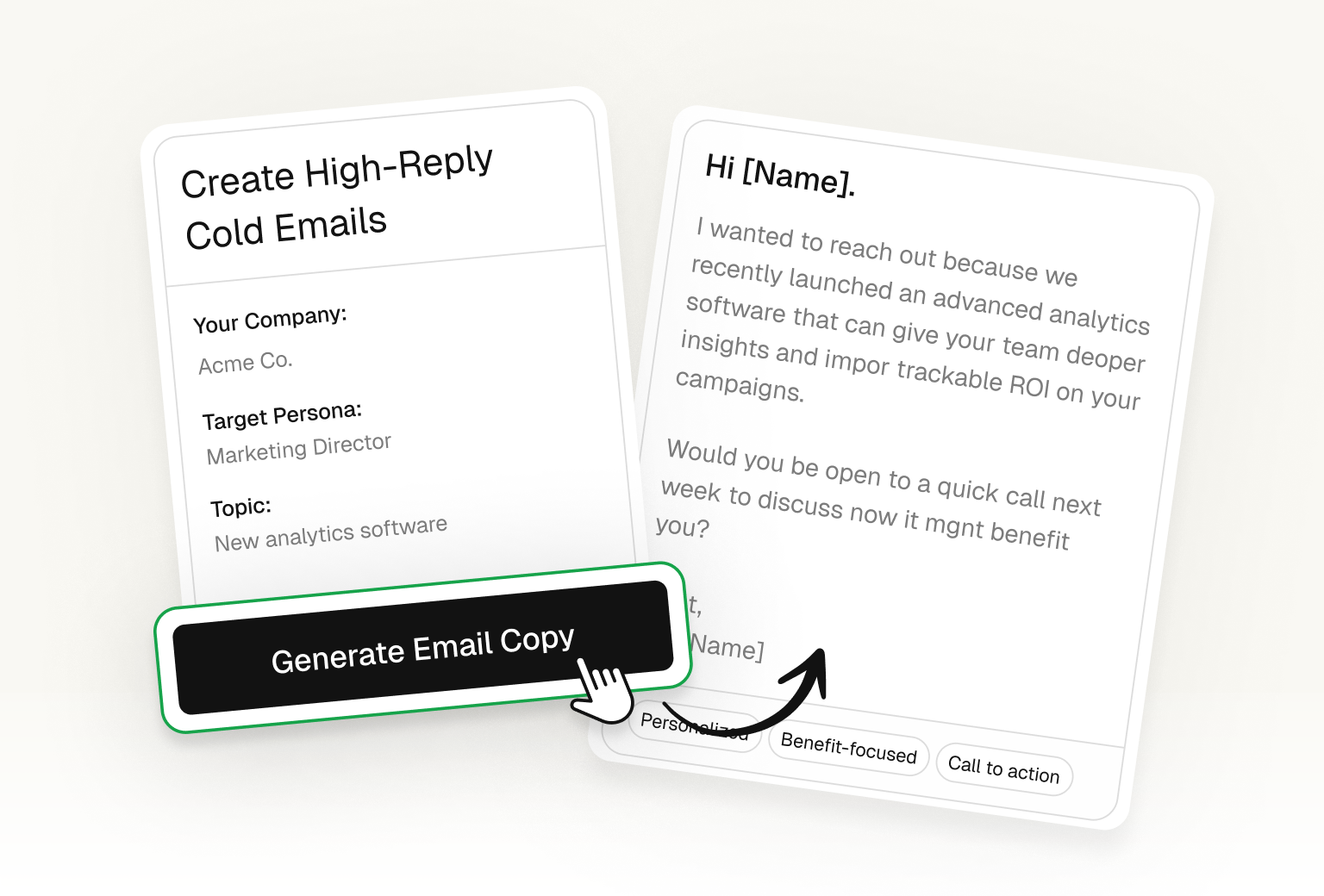
Email Copy Optimizer
Improve any email with AI. Get better subject lines and copy.
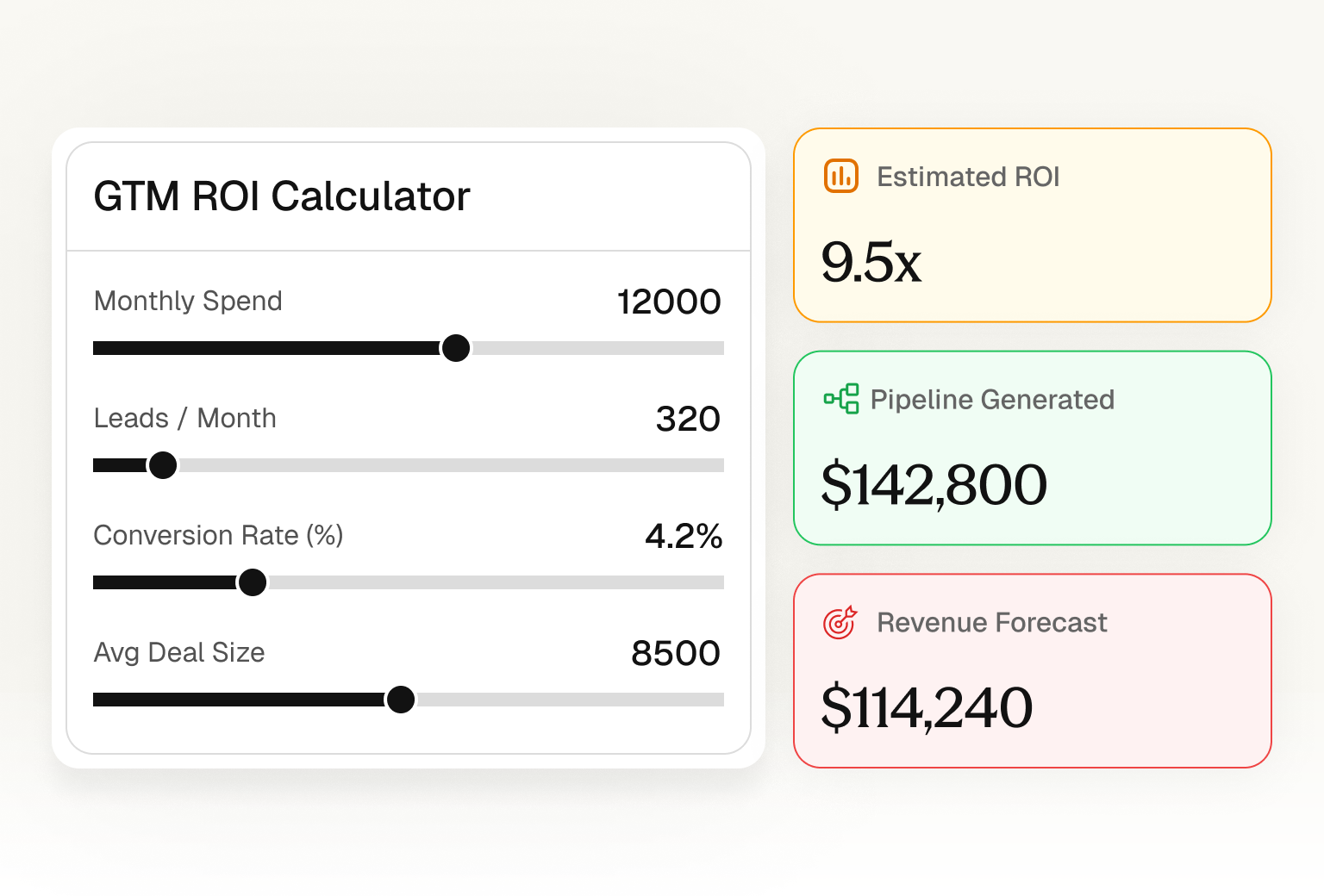
ROI Calculator
Calculate the potential ROI of your outbound campaigns.
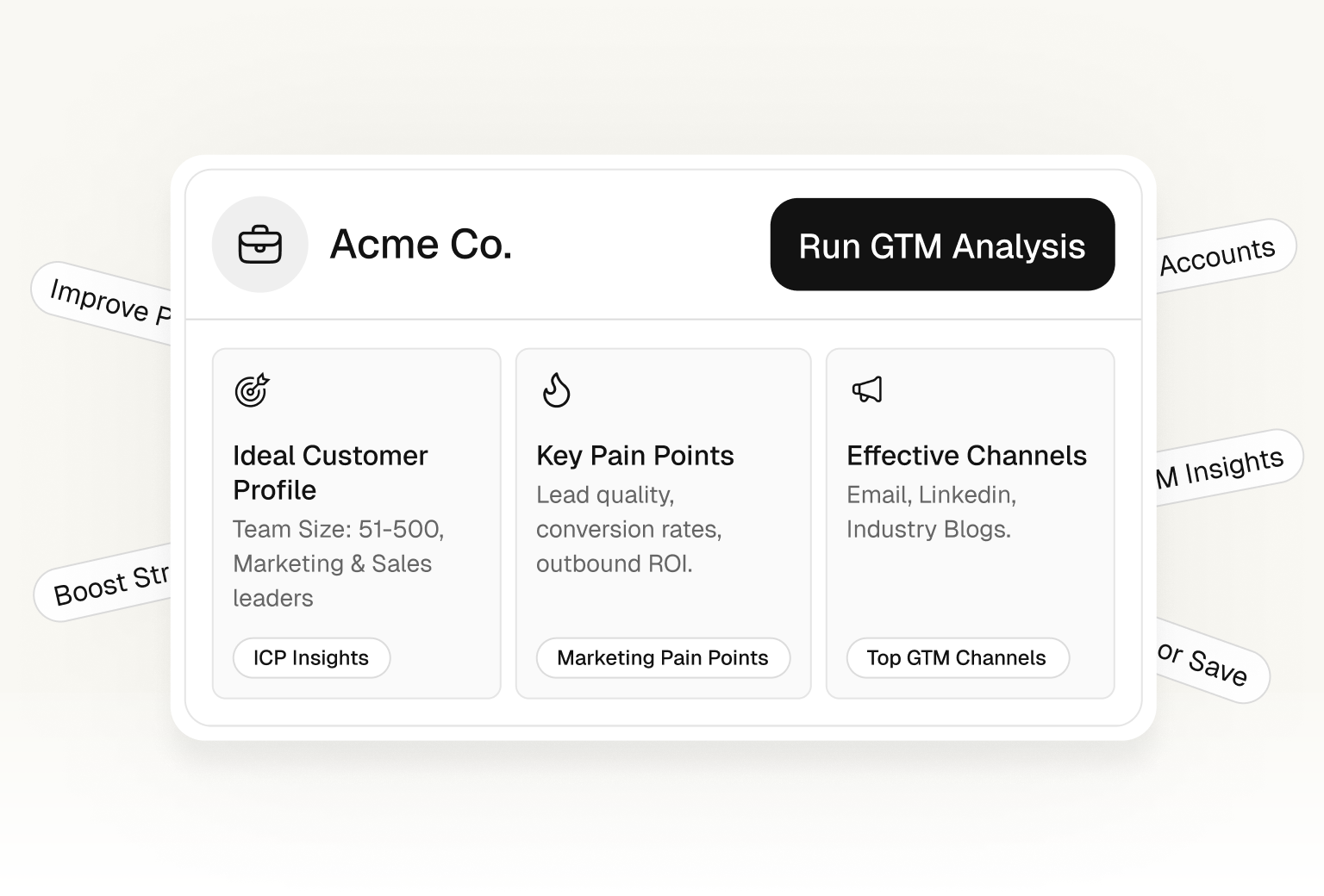
GTM Reports
Get real-time insights into your go-to-market performance.
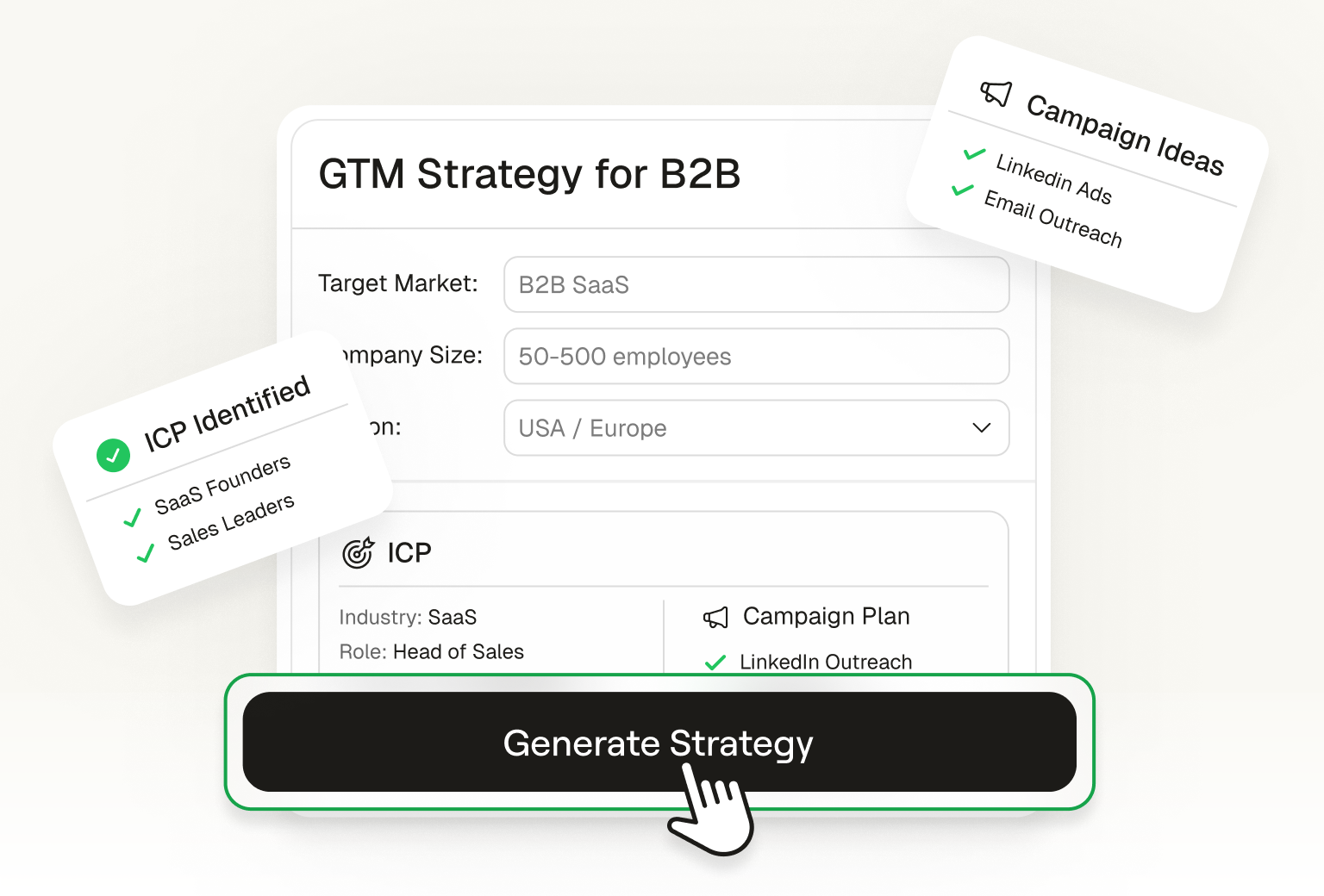
GTM Flywheel
Build and visualize your go-to-market flywheel strategy.
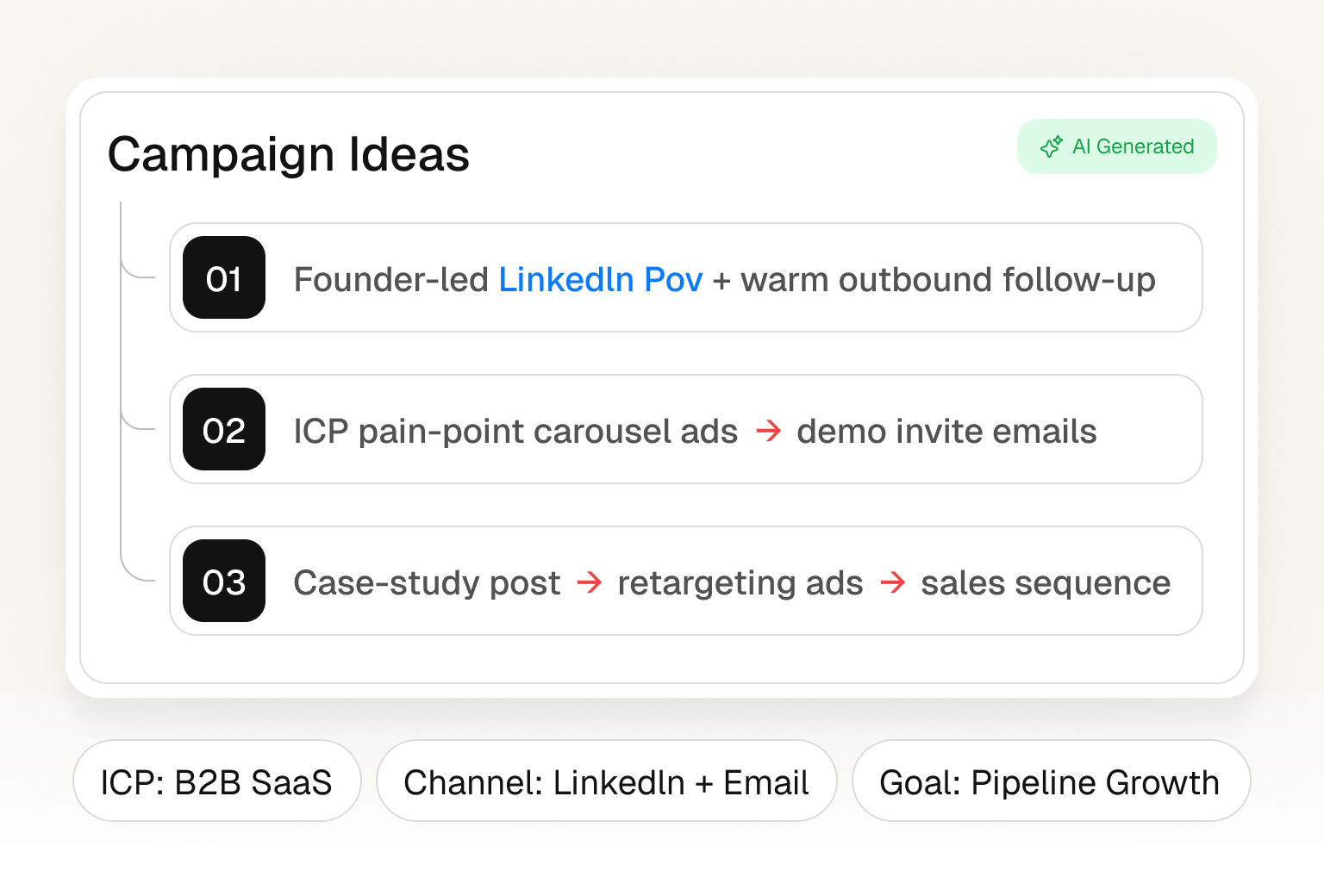
Campaign Ideation
Generate creative campaign ideas powered by AI for your GTM strategy.
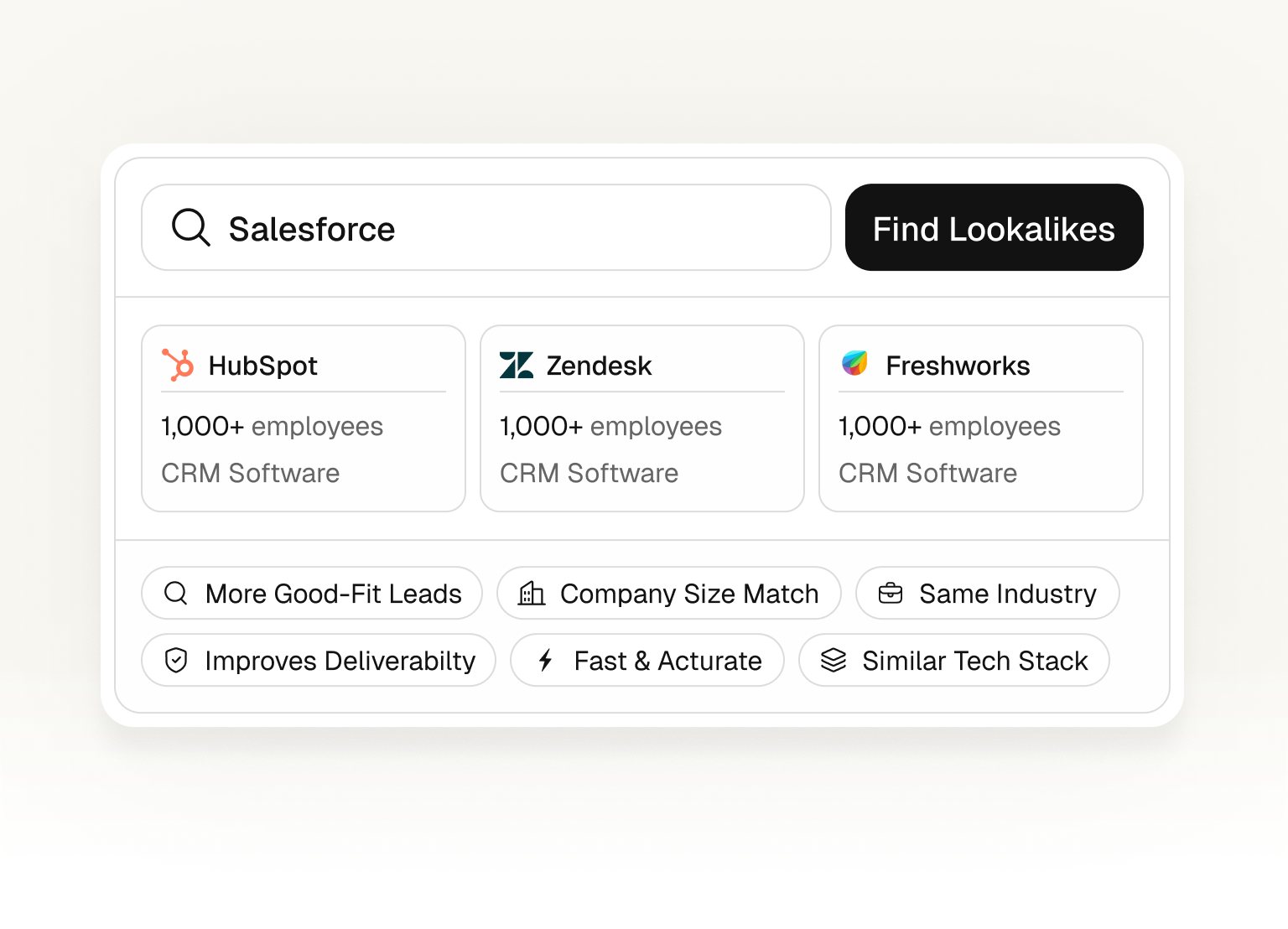
Lookalike Finder
Find similar companies that match your best target accounts.
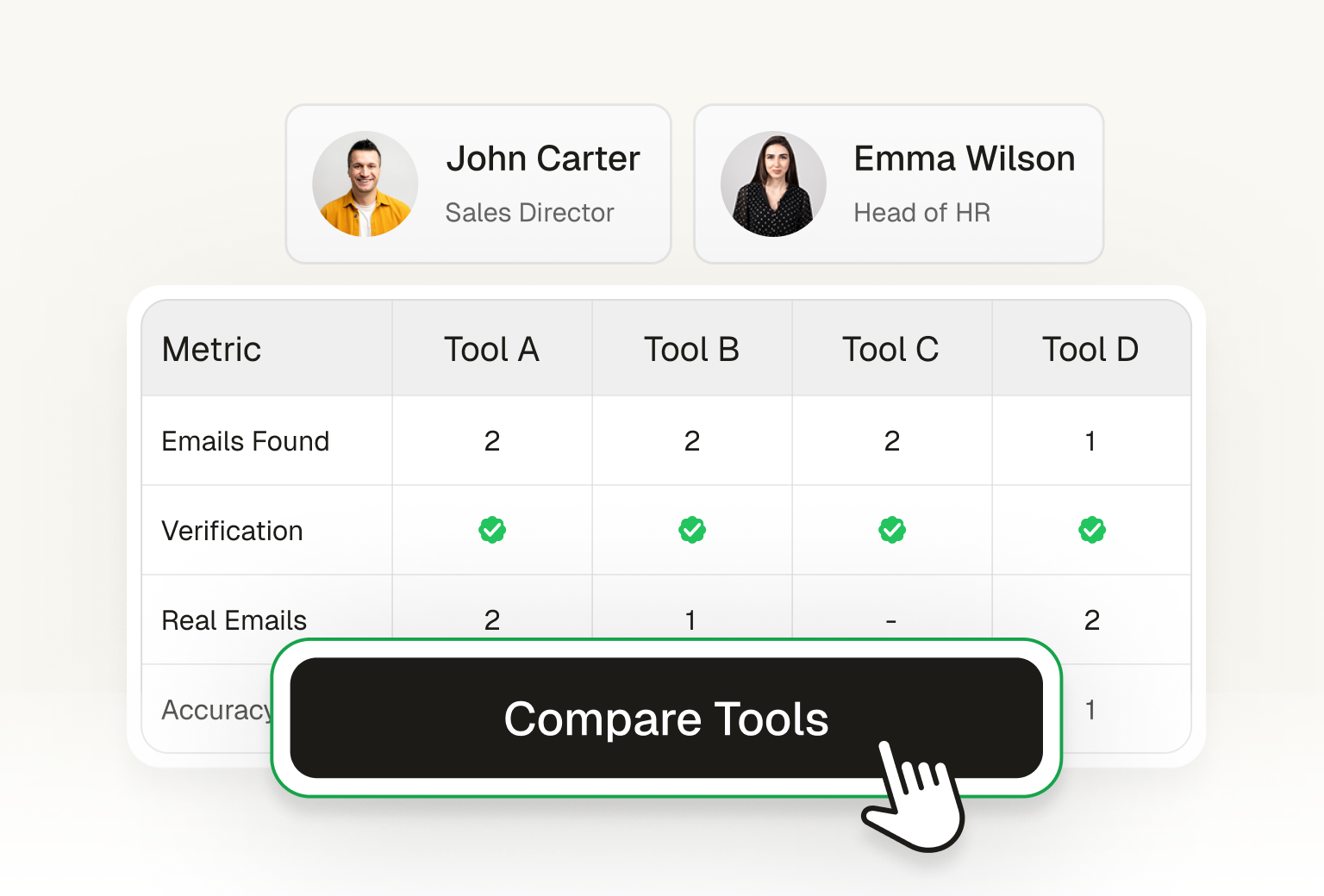
Email Finder Benchmark
Compare top email finder tools side by side. See accuracy, speed, and pricing.
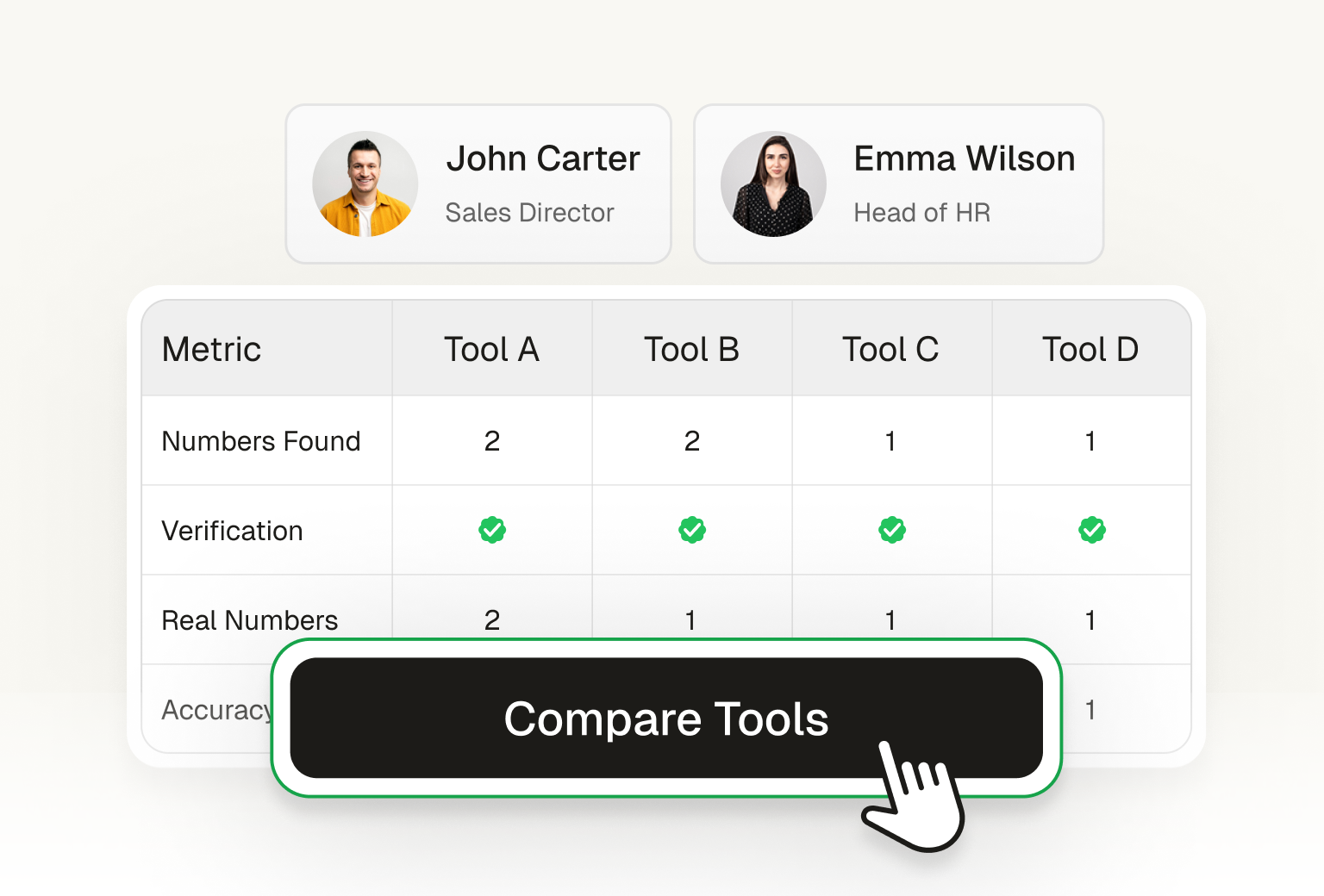
Mobile Finder Benchmark
Compare top phone finder tools side by side. See accuracy, speed, and pricing.
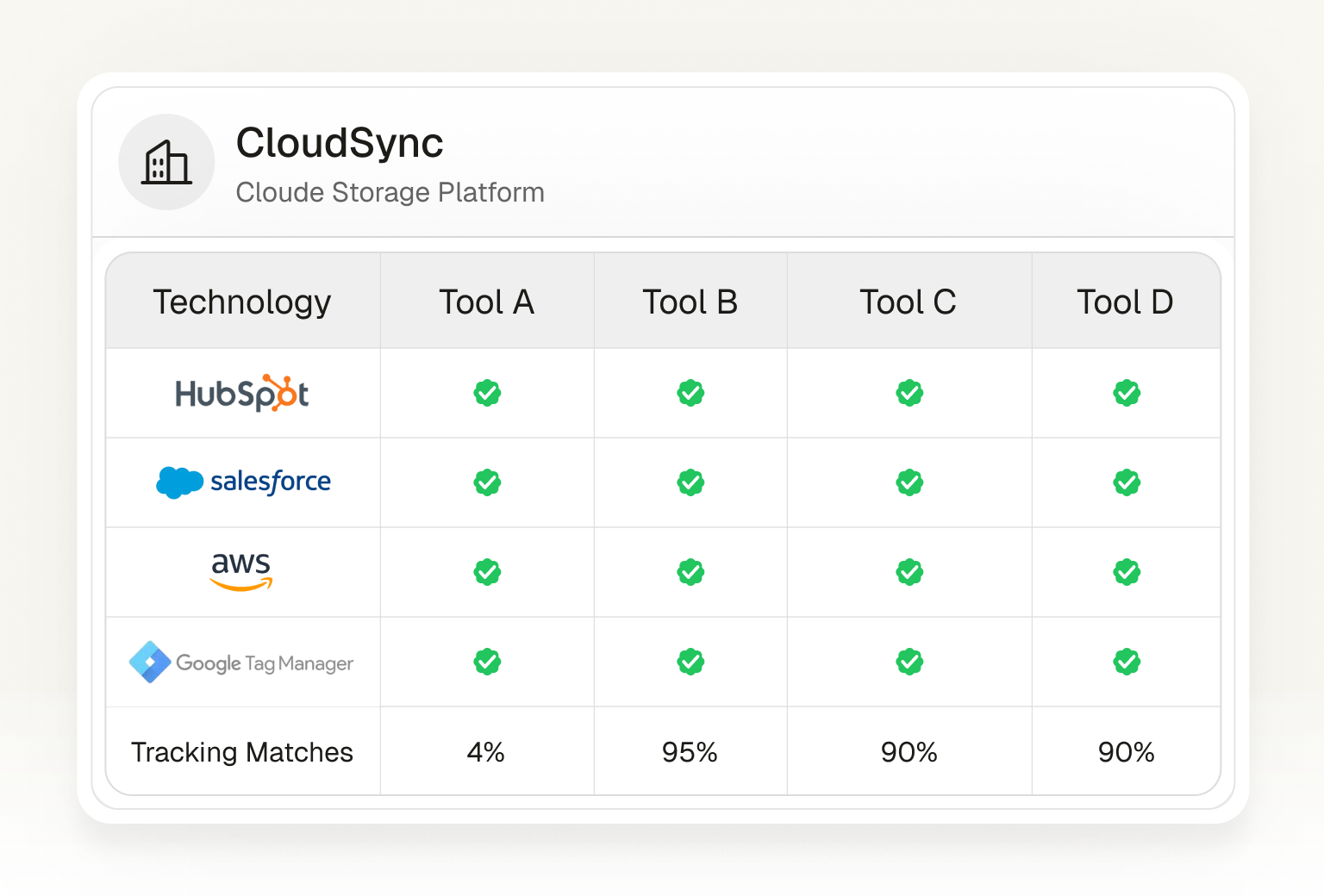
Tech Stack Benchmark
Compare top tech stack finder tools side by side. See coverage, speed, and pricing.
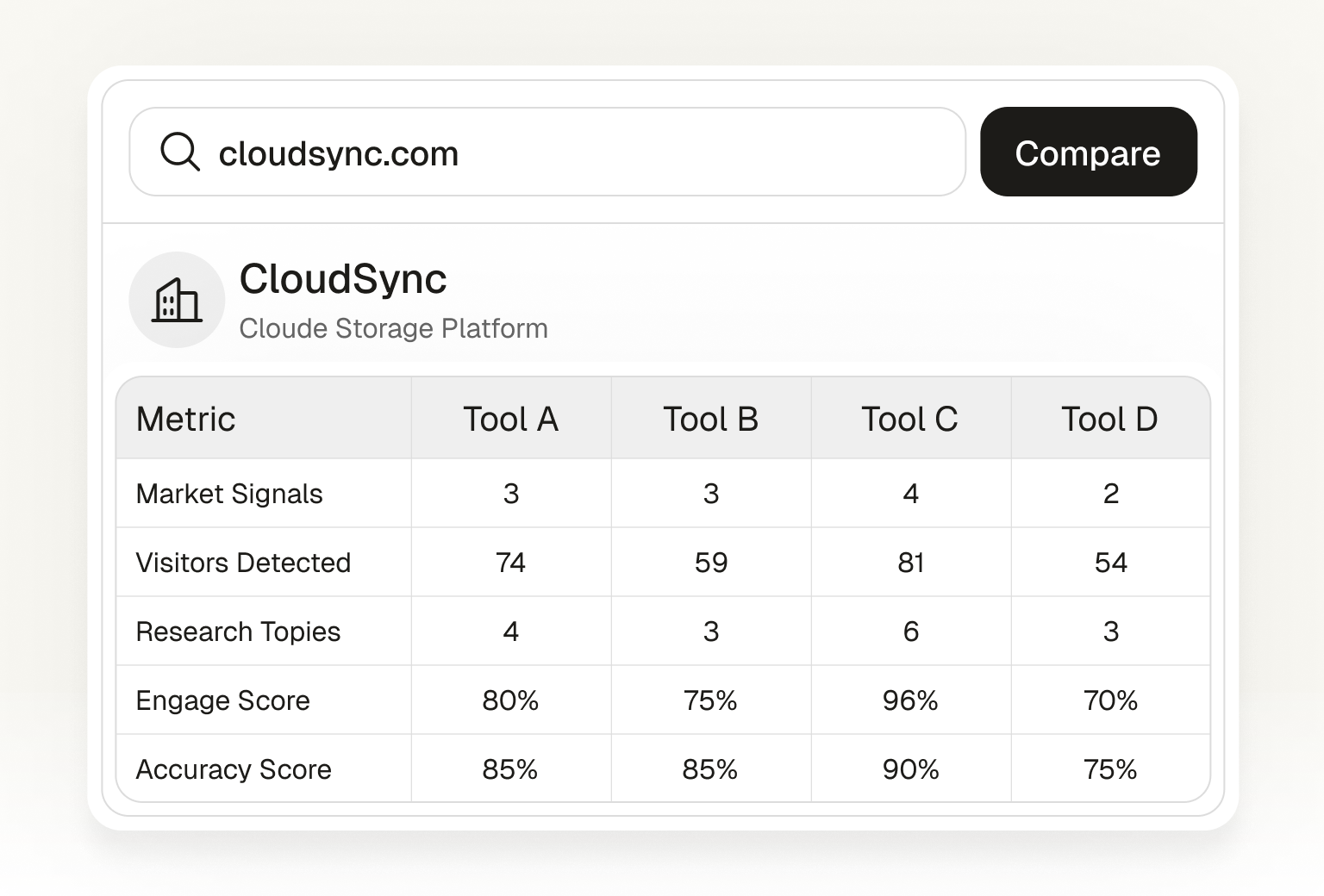
Intent Signal Benchmark
Compare top intent signal providers side by side. See signal quality, coverage, and pricing.
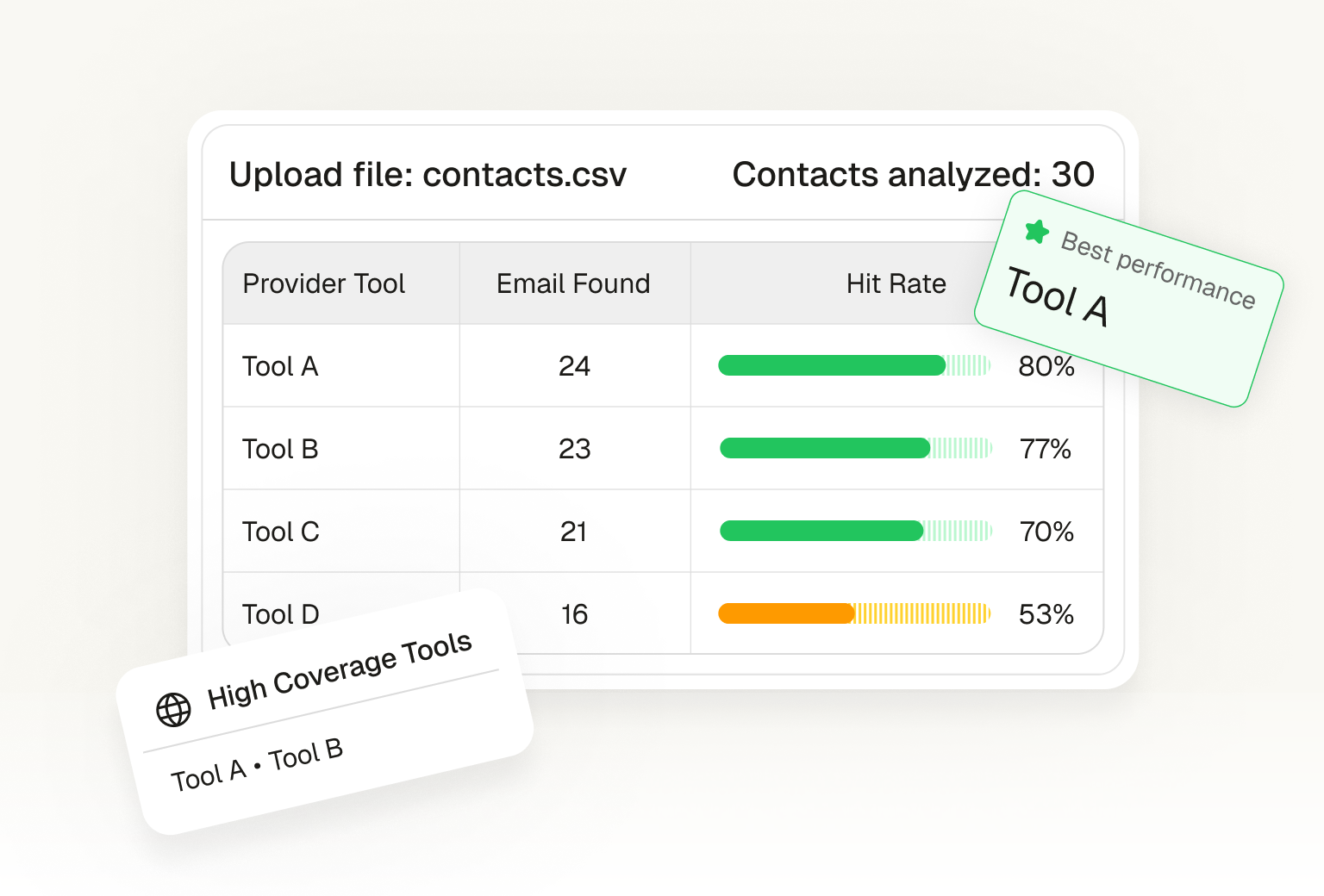
Bulk Email Benchmark
Compare top bulk email finder tools side by side. See accuracy, volume, and pricing.
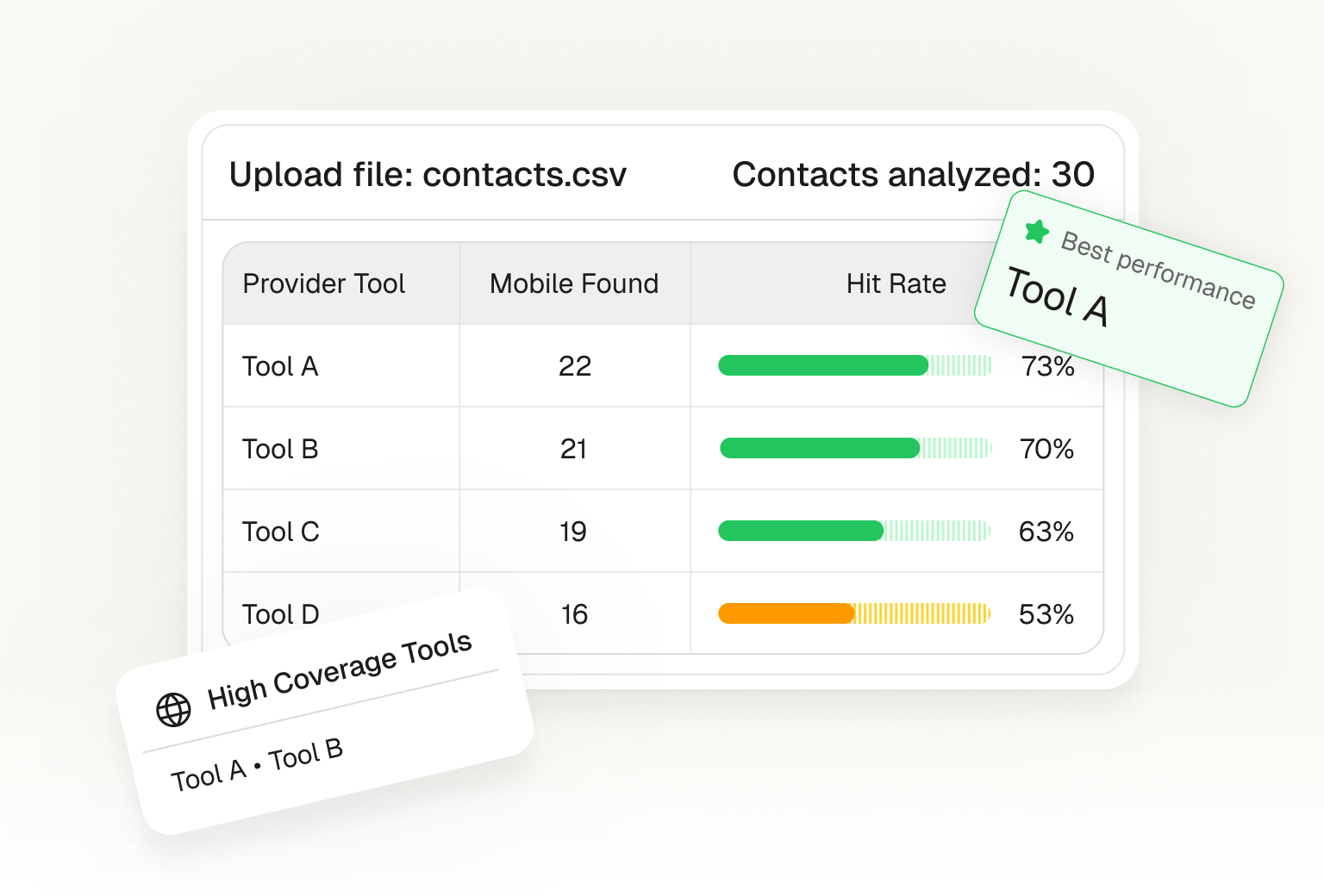
Bulk Mobile Benchmark
Compare top bulk phone finder tools side by side. See accuracy, volume, and pricing.
Find the perfect tools for you
Tell us what you're trying to achieve, and we'll recommend the best ColdIQ tools for you.
Select one or more common needs
Free tools GTM guide: step by step
Know Your Best Buyers
Define Your Ideal Customer Profile
- Start by defining who you should target based on your business.
- Enter your work email and GTM Report will analyze your company to identify your ideal customer profile, extract firmographic patterns, and suggest targeting criteria.
Output: A documented ICP Matrix with clear targeting criteria.
Find Companies That Fit
Build Your Target Account List
- Now that your ICP is defined, find companies that match your criteria.
- Use Tech Stack Finder to identify companies using technologies that match your ICP criteria - these are strong buying signals.
- Use Intent Signals Analyzer to detect companies actively showing buying intent (hiring, funding, tech adoption, content consumption).
Output: A qualified list of target accounts matching your ICP.
Reach the Right People
Turn Accounts Into Contacts
- Turn your account list into a contact list with verified data.
- Use Find People to identify the right decision-makers and map the buying committee within each target account.
- Use Email Finder to get verified business email addresses and reduce bounce rates.
- Use Mobile Finder to get phone numbers and enable multi-channel outreach sequences.
Output: A complete prospect list with verified contact data.
Multiply Your Pipeline
Scale with Lookalikes
- Expand your pipeline by finding more companies similar to your top ICP-fit accounts.
- Use Lookalike Finder to discover similar companies that match your best-performing target accounts.
- Repeat the previous step for each new batch of lookalike companies.
Output: A scaled prospect pipeline with consistent ICP quality.
Launch with Confidence
Validate Before You Send
- Ensure your campaign is ready for maximum deliverability.
- Use Spam Checker to verify your email list quality, check domain reputation, and avoid spam folders.
Output: A validated campaign ready to launch.
Learn and Improve
Measure, Iterate, Repeat
- Track performance and continuously improve your GTM engine.
- Use ROI Calculator to project expected ROI before launch and track actual performance against projections.
- Analyze conversion rates, cost per lead, and pipeline value. Feed learnings back into your ICP to refine targeting.
Output: A data-driven iteration loop for continuous GTM improvement.
Frequently asked questions
Yes, all tools are free. Some offer optional premium upgrades with advanced features and extended functionalities.
Run every one of these tools at scale with our Unified API
The free tools are the demo. Call the same data providers - emails, phones, enrichment, intent - from Claude Code, billed by credits, on one API key.
Free to start. No credit card required.